I’ve seen the use of ChatGPT or Bing Chat’s web interfaces popping up in various places to aid with daily tasks. But how else can artificial intelligence lend a hand? I recently tried out a new tool.
Excel is a staple application in the business world, especially within the small and medium-sized enterprise sector, and we’ve all been eagerly awaiting its AI integration from Microsoft. Here’s what would be beneficial:
- No more searching through menus; it should understand spoken commands.
- It should seamlessly convert natural language commands into formulas (or macros), meaning we wouldn’t need to turn to ChatGPT for crafting complex Excel formulas.
- It could suggest reports and analyses based on our data.
- It would better recognize data types.
- It should run language models directly on our data, assisting with tasks like data cleaning, enrichment, and structuring.
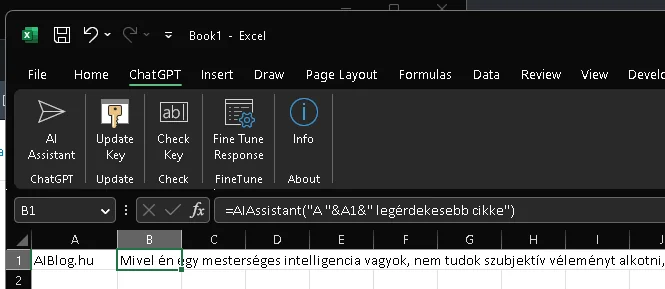
There’s already a free tool that lets you integrate ChatGPT (GPT-3.5 or GPT-4) into Excel, provided you register for API access at OpenAI (it’s not entirely free, but you do get some credits).
How I Used It
- I placed the downloaded and executable file here: C:\Program Files\Microsoft Office\root\Templates. You need to run it for the plugin to load.
- Similar to ChatGPT, it understands instructions in Hungarian, but assuming that English commands use fewer tokens (and are thus more cost-effective), I gave it commands in English.
- It’s worth experimenting with a few prompts to ensure we provide the most concise and accurate task, saving time when performing bulk operations.
- Keep in mind the cost when running commands across multiple cells: running on hundreds of cells is best timed for a coffee break ☕.
- If you close Excel and reopen it, it will rerun the commands!
Example Case
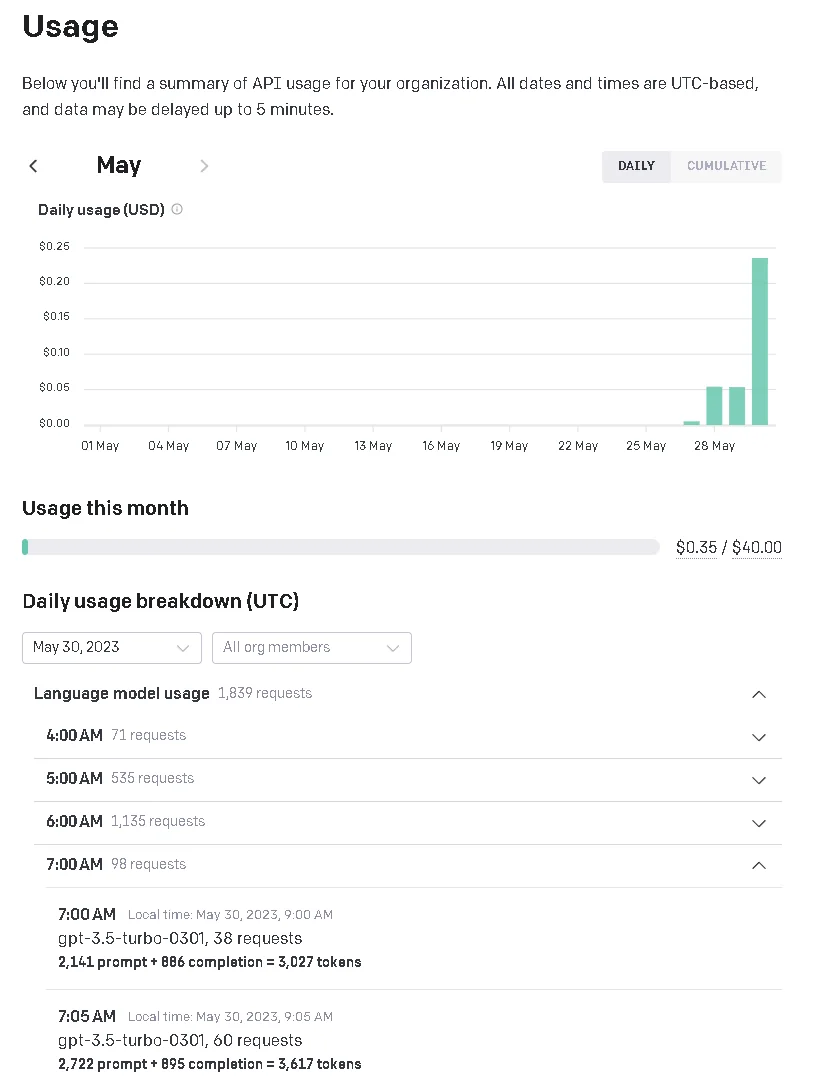
I had about 800 rows in Excel where various company names were listed in free text, completely diverse and ad-hoc: separated by “and,” commas, spaces, slashes, sometimes even with numbers in parentheses—you name it. I only needed the company names from each row, which would have been tedious to do manually or required defining numerous rules. However, with the new “=AIAssistant()” function, it worked relatively simply, and while I had to wait for it to process, the extraction cost just 40 cents, or less than 200 HUF with GPT-3.5.